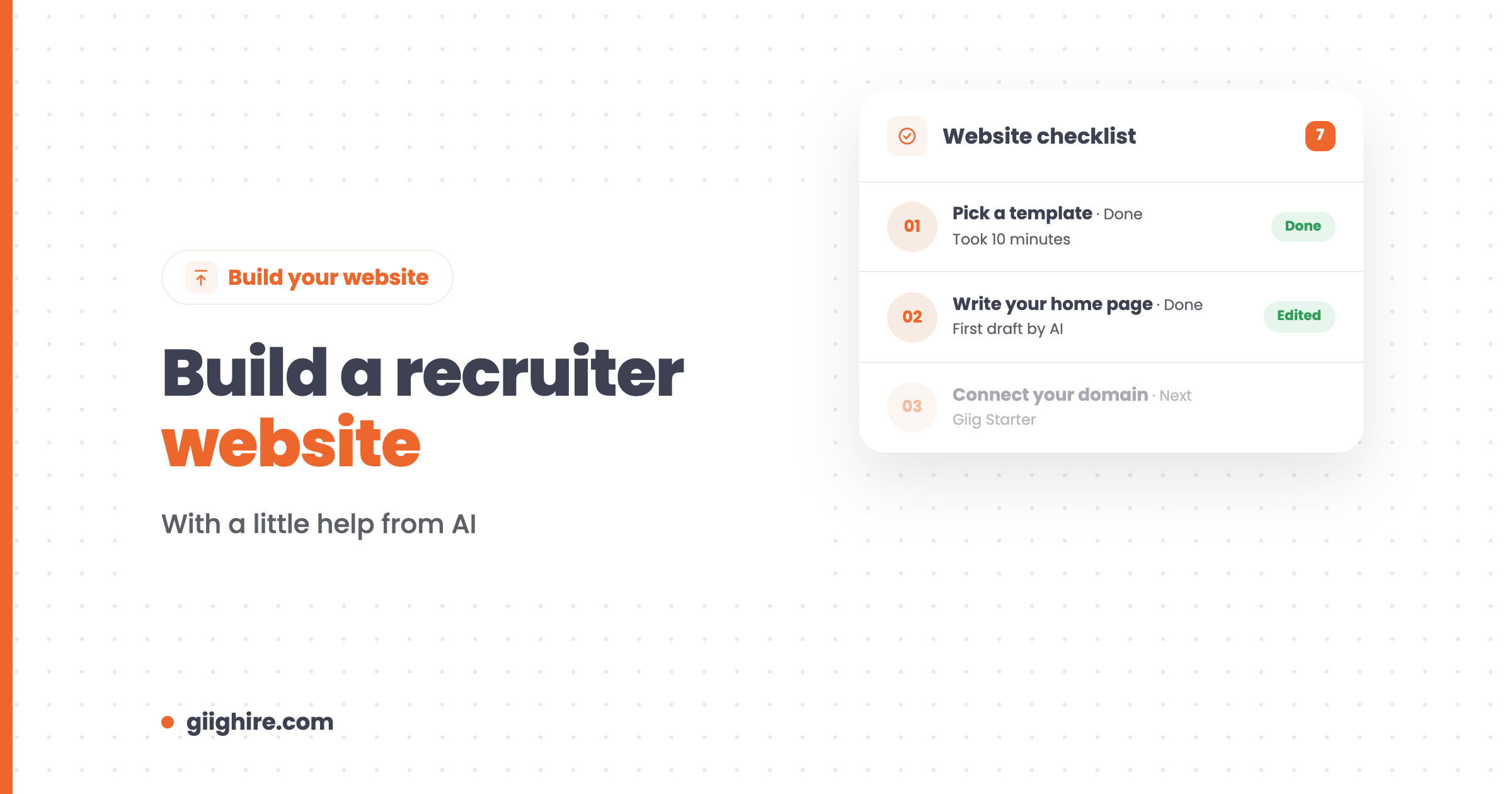
To build a recruiter website, pick a builder with templates, say clearly who you recruit for on the home page, add your live jobs and a way to apply, write the copy (AI can help with the first draft), and connect your own domain. With a free builder like Giig’s, you can have a basic site live in an afternoon without paying a penny.
When we first launched Giig’s website builder, we looked at the sites people were building and it became very clear why recruiters work in recruitment and not graphic design. So this guide keeps it simple: a template, the right pages, words that sound like you, and jobs that update themselves.
What you need before you start
You need four things: a clear niche, a business name, a domain name and a few photos of yourself.
- Your niche in one sentence. “I recruit software engineers for scale-ups in the North West” beats “we connect great people with great companies”.
- A domain name. Buy one from any registrar. Keep it short and easy to spell.
- Photos. A decent headshot and maybe one of you at work. Real beats stock.
- Two or three testimonials. From clients or candidates you’ve worked with before.
If you’re still setting up the business itself, read the complete guide to becoming a freelance recruiter first.
How to build a recruiter website: step by step
1. Pick a builder and a template
Choose a builder that’s quick to edit and can show your live jobs. Compare the options in the best recruitment website templates.
Giig’s free website builder is built for recruiters and connects to your careers page, so your jobs appear on your site as soon as you publish them. You can design and host it on the Free Forever plan.
2. Write your home page
Your home page should say who you recruit for, where, and what someone should do next, all before they scroll.
- A one-line headline about your niche
- A short intro about you and your background
- Two buttons: “Send me your vacancy” and “See live jobs”
- A photo of you
3. Add the pages that matter
Keep it to the pages people actually use: about, services, live jobs, candidates, testimonials and contact. Add a privacy notice, because you’re collecting candidates’ personal data.
4. Connect your live jobs
Link your careers page so your jobs are always up to date and every applicant lands in your CRM.
With Giig, flip “Display on careers page” on a job and it’s live. The Free Forever plan includes up to three live jobs at a time, Starter raises it to 10 and Plus removes the limit. Applications go straight into your ATS, so you’re not copying CVs out of an inbox.
5. Add a short video
Record a one or two minute video saying who you help and how you work, and put it near the top of your home page.
It feels cringey (I find it cringey too), but most recruitment websites say the same bland things, and a video of a real person instantly makes you different. Upload it to YouTube and embed it; most builders support that.
6. Connect your domain
When you’re happy, point your own domain at the site so you look established. On Giig, connecting your own domain and removing the “Powered by Giig” badge comes with Giig Starter (£14.99 per user/month +VAT, no contract, cancel anytime).
7. Tell people about it
Add the link to your LinkedIn profile, email signature and every job you post. A website nobody visits isn’t doing much.
How to use AI to build your recruiter website
Use AI to get past the blank page: first drafts of your copy, page outlines, headlines and FAQs. Then edit everything so it sounds like you.
Prompts that work well in Claude or ChatGPT:
- “Write a home page headline and two-sentence intro for a recruiter who places [roles] in [location] for [type of company]. Make it plain and specific, no clichés.”
- “Draft an about page from these notes: [your background, years in the niche, why you started].”
- “Write five FAQs a hiring manager might ask a [niche] recruiter, with short, direct answers.”
- “Suggest a page title and meta description for this page, under 60 and 155 characters.”
Things to watch:
- Don’t publish it untouched. AI copy all sounds the same, and clients can tell.
- Check every fact. AI will happily invent stats, awards and testimonials.
- Keep your voice. Read it out loud. If it doesn’t sound like you on a call, rewrite it.
There are more ideas in these 50 Claude AI prompts for recruiters.
Common mistakes
The most common mistakes are being vague, hiding the jobs and using stock photos of people shaking hands.
- No clear niche on the home page
- Jobs that are out of date (or no jobs at all)
- No way to apply without emailing a CV
- Stock photos instead of you
- Copy that sounds like every other agency
- No contact details that a human would actually answer
Frequently asked questions
How do I build a recruitment website for free?
Use a free builder with recruitment features. Giig’s website builder is free to design and host on the Free Forever plan, and connects to your careers page so live jobs show on your site. You’ll pay only if you want your own domain and to remove Giig’s branding.
Can AI build my recruitment website for me?
AI can draft most of the words: headlines, page copy, FAQs and meta descriptions. You still need to choose a builder, add your real details and edit the copy so it’s accurate and sounds like you. Never publish AI-written facts or testimonials without checking them.
How long does it take to build a recruiter website?
A simple site can be live in an afternoon with a template builder. Writing good copy takes longer than the building, so have your niche, background and testimonials ready before you start.
What should a recruiter website include?
A home page that says who you recruit for, an about page, a services page for clients, live jobs, a candidates page, testimonials, a contact page and a privacy notice. Add a short video of you if you can.
Do I need my own domain for a recruitment website?
It’s worth it. A website on your own domain looks more established to clients and candidates, and you can use matching email addresses. With Giig, you can design and host the site for free and connect your domain on Giig Starter.
Final thoughts
Building a recruiter website is quicker than ever. Pick a template, say clearly who you recruit for, connect your live jobs, let AI help with the first draft and then make it sound like you. Done is better than perfect, and you can always improve it later.
Want a website that’s already connected to your jobs? Start on Giig for free. No credit card, no contract.