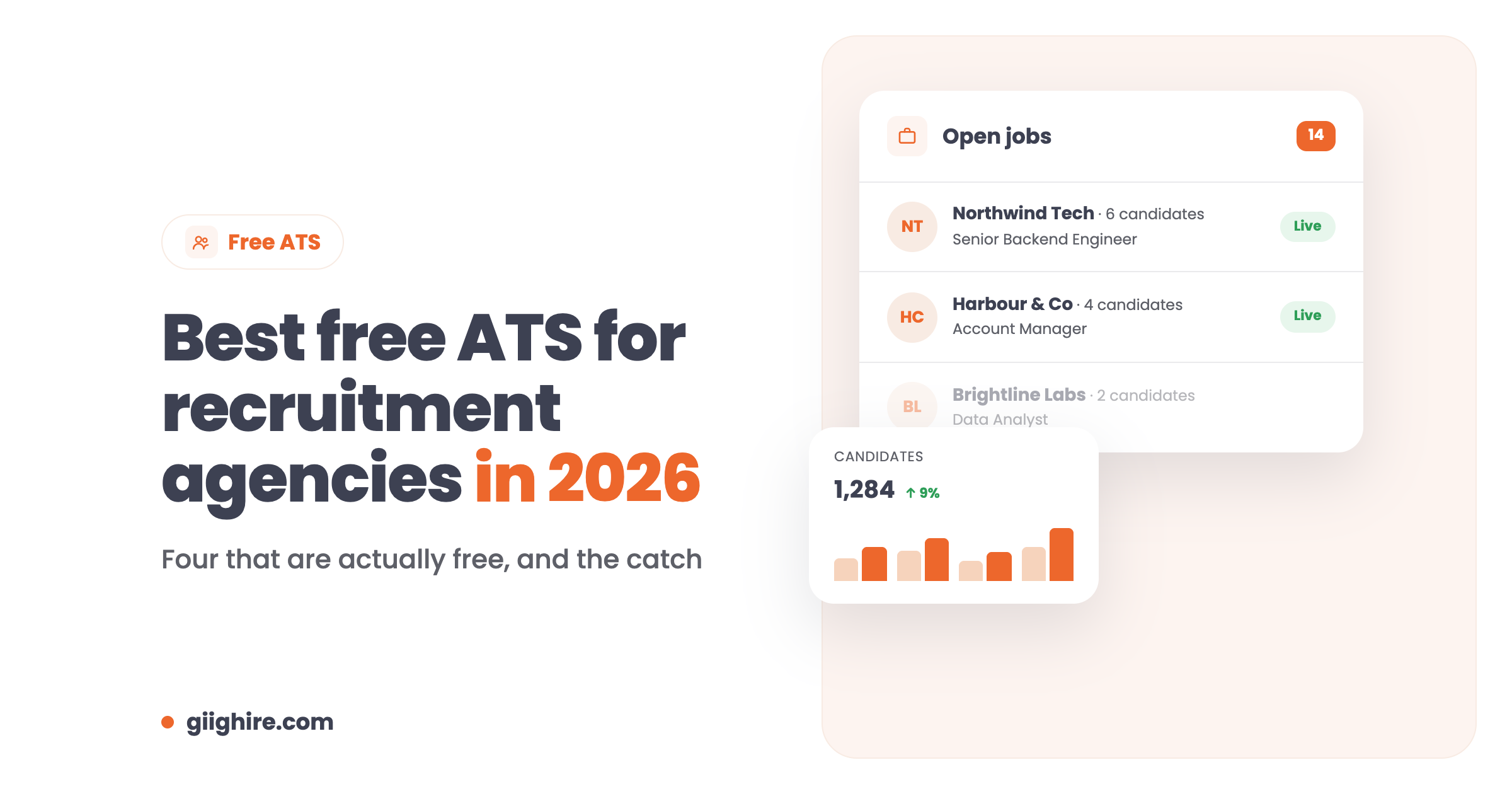
The best free ATS for a recruitment agency is one with no trial period and no cap on candidates or jobs, so you can actually run your desk on it. Plenty of “free” applicant tracking systems are really a 14-day trial or a single job slot. Below are four that are genuinely free, and the catch with each.
An ATS (applicant tracking system) is the software that stores your candidates and CVs and tracks them through each job, from first call to placement. When you’re starting an agency, keeping costs down is near the top of the list, so a good free ATS buys you time to win clients before you start paying for tools.
Quick heads-up: we build Giig, which is on this list. I’ve tried to be straight about everyone’s limits, ours included.
What should a free ATS include?
A free ATS for agency recruiters should include unlimited candidates and jobs, CV storage, search, and a pipeline to move candidates through interviews. Without those, it’s a demo, not a tool.
The must-haves:
Unlimited candidates and CVs, with no trial period
More than one active job, because agencies work several roles at once
Search and tagging, so you can find people again by skill, location or availability
An interview pipeline you can drag candidates through
Email integration, so conversations sit on the candidate record
A way to get CVs in, ideally some CV parsing
A careers page, so candidates can apply straight into your ATS
Free data export, so you’re never stuck
Nice to have on a free plan, but usually paid: bulk CV parsing, CSV import, bulk email, reporting and team members.
1 user; unlimited candidates, CVs, jobs and clients
Agency recruiters who want ATS and CRM together
Zoho Recruit
1 active job at a time, limited storage
Trying an ATS if you already use Zoho
Breezy HR
1 active job; only candidates from the last 30 days
Occasional hiring, not agency work
OpenCATS
No limits, but you host and maintain it yourself
Technical users happy to run their own server
1. Giig
Giig’s Free Forever plan is a free recruitment ATS and CRM in one, with unlimited candidates, CVs, jobs and clients for one user, and no trial period. It’s built for independent recruiters and small agencies, not in-house HR teams, so it works the way agency recruiters work.
What’s on the free plan:
Unlimited candidates, CVs, jobs, companies and contacts
Jobs, business development and interview pipelines (drag and drop)
The catch: it’s one user only. When you hire, you’ll need Giig Starter (£14.99 per user/month +VAT), which also adds mass CV parsing, CSV import, 50 parse credits and a careers page for 10 jobs. Plus (£45) adds bulk email, CV formatting, reporting, tasks and the LinkedIn Chrome extension. All paid plans are monthly, with no contract, cancel anytime. See the free ATS and pricing pages for the full list.
2. Zoho Recruit
Zoho Recruit’s Forever Free plan gives you one active job at a time, with limited storage and no CV parsing. It’s a fair way to see how an ATS works, and it plugs into other Zoho apps.
The catch: one active job is very tight for agency work, where you might be running five or ten roles at once. Most agencies will need a paid plan quickly.
3. Breezy HR
Breezy HR’s free Bootstrap plan lets you keep one active job or candidate pool open, with unlimited users. It has a clean, friendly interface.
The catch: on the free plan you only get unlimited access to candidates added in the last 30 days, and Breezy is built for companies hiring their own staff rather than agencies. That makes it a poor fit for building a long-term candidate database.
4. OpenCATS
OpenCATS is a free, open-source ATS and recruiting CRM that you install and host yourself. There are no licence fees and no usage limits.
The catch: you need the technical know-how (or someone who has it) to install, host, update and secure it. The software is free, but your time and hosting aren’t.
What about free trials?
A free trial isn’t a free ATS. Tools like Manatal, Recruit CRM and most enterprise platforms offer a trial, then you pay. That’s fine for testing, but don’t move your whole database into something you can’t afford in two weeks’ time.
For agency recruiters, Giig’s Free Forever plan is hard to beat: unlimited candidates, CVs, jobs and clients, an interview pipeline, email integration and a careers page, with no trial period. It’s for one user, so you’ll upgrade when you add a team.
Is there a completely free applicant tracking system?
Yes. Giig, Zoho Recruit and Breezy HR all have free plans, and OpenCATS is free open-source software you host yourself. The difference is in the limits: Zoho Recruit and Breezy HR’s free plans allow one active job at a time, while Giig doesn’t cap jobs or candidates.
Can a recruitment agency run on a free ATS?
A solo recruiter can, yes. Giig’s free plan has no cap on candidates, jobs or clients, so you can run a full desk on it. Once you add team members, bulk email or CV formatting, you’ll need a paid plan, starting at £14.99 per user/month +VAT.
What’s the difference between an ATS and a CRM?
An ATS tracks candidates and CVs through your jobs. A recruitment CRM tracks your clients, contacts and business development. Agencies need both, and Giig gives you both in one database, even on the free plan. More on the free recruitment CRM.
Does a free ATS include CV parsing?
Some do, with limits. Giig’s free plan includes 10 CV parse credits a month, Starter includes 50 per user and Plus includes 5,000. Zoho Recruit’s free plan doesn’t include CV parsing.
Can I export my data from a free ATS?
You should always be able to. On Giig you can export your client and contact lists whenever you like, even on the free plan, and we never charge for exporting your data. If a free tool makes your data hard to get out, take that as a warning.
Final thoughts
The best free ATS is the one that doesn’t make you start again in three months. Look for no trial, no job cap, a database you own and a fair price when you grow.
If that’s what you’re after, start on Giig for free. It takes a couple of minutes and you don’t need a credit card.
This website uses cookies so that we can provide you with the best user experience possible. Cookie information is stored in your browser and performs functions such as recognising you when you return to our website and helping our team to understand which sections of the website you find most interesting and useful.
Strictly Necessary Cookies
Strictly Necessary Cookie should be enabled at all times so that we can save your preferences for cookie settings.
If you disable this cookie, we will not be able to save your preferences. This means that every time you visit this website you will need to enable or disable cookies again.