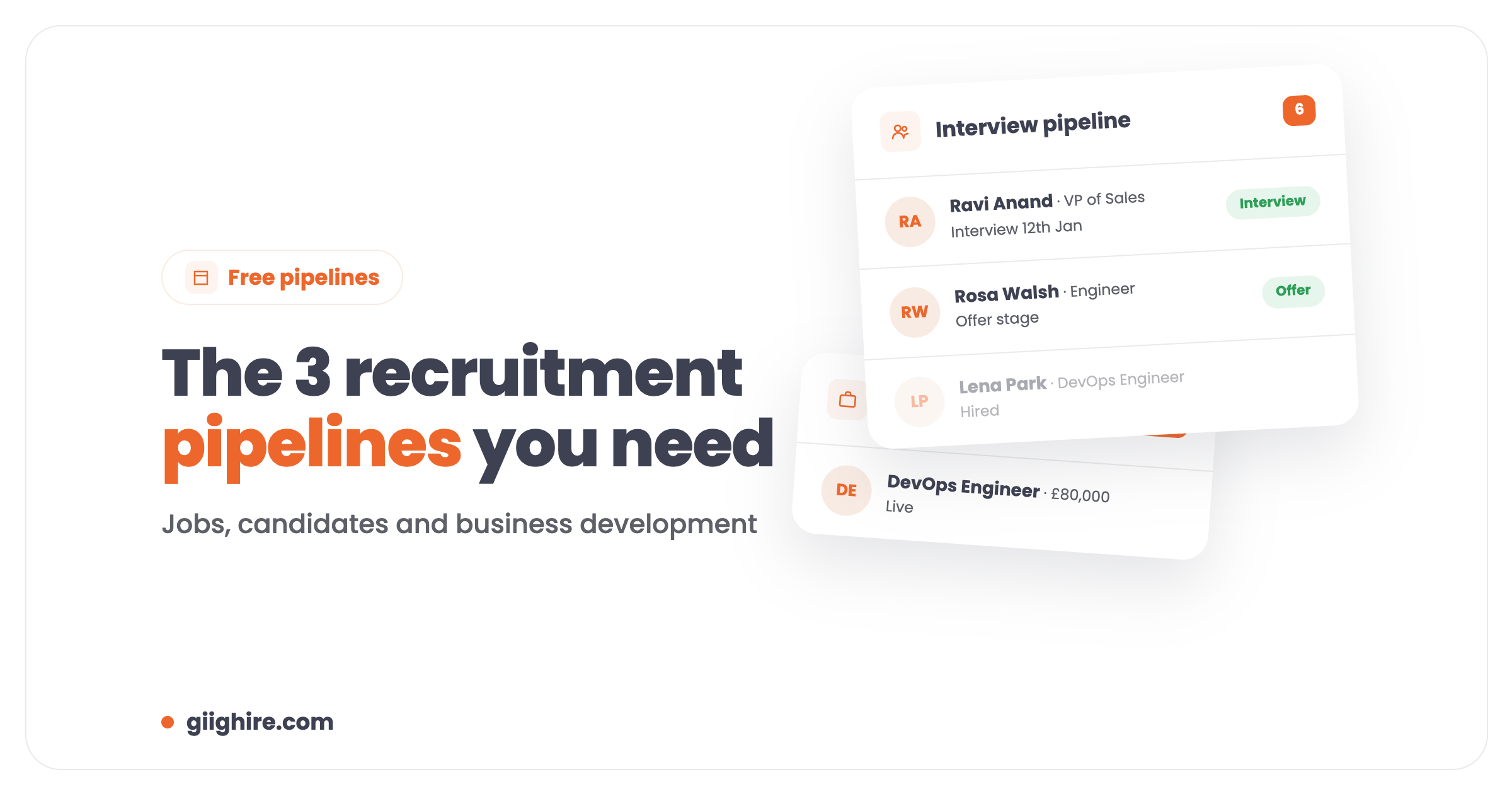
Every small recruitment agency needs three pipelines: a jobs pipeline (what you’re working on and what it’s worth), a candidate pipeline (where everyone is in the interview process) and a business development pipeline (which companies you’re chasing). Get those three in one place and you can see your whole agency at a glance. Giig includes all three on the Free Forever plan.
Running a small agency can feel like the Wild West. Candidates going quiet, clients not returning calls, and you trying to remember who needs chasing on Thursday. Most agencies manage it with spreadsheets, sticky notes and sheer bloody-minded determination. Which works, right up until it doesn’t.
What is a recruitment pipeline?
A recruitment pipeline is a visual board of stages that shows where every job, candidate or prospect is, usually as cards you drag from one column to the next.
The word gets used for three different things in recruitment, which is where people get confused. You don’t need one pipeline. You need three, because they answer three different questions:
Pipeline
The question it answers
Typical stages
Jobs
What am I working on, and what’s it worth?
Lead, Live, Hired
Candidates
Where are my people in the process?
Shortlisted, Interview, Offer, Hired
Business development
Who should I be calling, and when?
Lead, Meeting Booked, Live Jobs
1. The jobs pipeline: your revenue forecast
The jobs pipeline shows every open role, what stage it’s at, and the total fees you’d earn if you filled them all.
No jobs, no revenue. It’s the simplest pipeline and the most important. Instead of hoping you’ll hit target, you can look at it and think “if I fill these three this month, that’s my rent and my salary sorted”.
What to track for each job:
The stage (lead, live, filled)
The salary or day rate
Your fee or margin
How long it’s been open
Giig’s jobs pipeline adds up the estimated commission across every job automatically. That number either makes you feel good about the month ahead, or tells you to get on the phone. Either way, you know where you stand.
2. The candidate pipeline: never lose track again
The candidate pipeline shows where every candidate is in the interview process, and who needs chasing.
Once you’ve got 20 or more candidates in play across several jobs, there’s no way you’re remembering who’s waiting for feedback, who’s got a second interview on Friday and who you promised to call back. That’s where placements slip away.
There are really two parts to it:
Before you send them. The candidates you’re headhunting: expressed interest, call booked, ready to send. This is where most recruiters lose track, because it’s not attached to a job yet.
Once they’re in process. Shortlisted, sent to client, interview, offer, hired.
On Giig, when you submit a candidate to a job they land on the interview pipeline with the fee for that placement on their card, worked out from your agreement with the client. The total at the top of the board is your interview pipeline value, and it moves as candidates are added or drop out. It’s the closest thing to a sales forecast most agencies will ever have.
Even a couple of forgotten candidates a month adds up to thousands in lost fees over a year. A pipeline you look at daily stops that.
3. The business development pipeline: the one everyone ignores
The BD pipeline tracks the companies you’re trying to win, from first contact to live jobs.
It’s the one most recruiters ignore, which is mad when you think about it. BD feels scary, so it gets done when you remember, and the rest of the time you hope existing clients keep sending jobs. Spoiler: they won’t, forever. I fell for that one myself.
A simple BD pipeline:
Lead: a company you want to work with
Contacted: first call or message made
Meeting booked
Terms signed
Live jobs: they’ve given you work
With it, BD stops being random. You can see that one company needs a follow-up call, another is ready for terms and a third has gone quiet and needs a nudge. There’s more on this in how to sell recruitment services.
Why the three pipelines work better together
The three pipelines feed each other, so keeping them in one system is where the real value is.
For example:
A great candidate misses out on one job in your candidate pipeline.
You check your BD pipeline and spot a company you’re talking to that would love them.
You call the company with that candidate. That moves them forward in BD.
If it lands, you get a new job in your jobs pipeline, and a placement.
That’s how you build an agency rather than just filling jobs when they turn up.
How to set up your pipelines
You can have all three running in about ten minutes if your jobs, candidates and target companies are in one CRM.
Add your open jobs with the salary and fee, so the jobs pipeline shows your total.
Add the candidates you’re working with and submit them to jobs, so they appear on the interview pipeline.
Add the companies you’re targeting to the BD pipeline.
Move cards every day. A pipeline nobody updates is just a pretty picture.
Giig’s recruitment pipeline tool gives you jobs, interview and company pipelines on the Free Forever plan, with unlimited candidates, jobs and clients, no trial and no credit card. If you want to rename stages or add your own, custom pipelines on Giig Plus let you shape a candidate pipeline and a client pipeline around how you work, and trigger an email or task when a card moves stage.
Why we give pipelines away for free
Because nobody starting an agency should have to choose between software and rent.
I remember what it was like trying to start a recruitment business without any money. Small agencies shouldn’t get second-class tools because they can’t afford enterprise prices, and you should be able to properly try something, not just for 14 days.
So the three pipelines are free, forever, for one user. Some people upgrade when they grow and want things like custom pipelines, bulk email and advanced reporting. Some stay free. Both are fine with us.
A recruitment pipeline is a board of stages showing where every job, candidate or prospect is in your process. Agencies usually run three: a jobs pipeline, a candidate or interview pipeline, and a business development pipeline for the companies they’re trying to win.
What’s the difference between a candidate pipeline and a talent pool?
A candidate pipeline tracks people actively moving through stages towards a specific job. A talent pool is a group of pre-qualified candidates you keep warm for future roles. Candidates move from your talent pool into a pipeline when a suitable job comes in.
How do I track my recruitment sales pipeline?
Add every job with its salary and fee to a CRM, submit candidates to those jobs, and let the CRM add up the value. On Giig, the jobs pipeline shows total estimated commission, and each candidate on the interview pipeline carries the fee for that placement.
Can I manage recruitment pipelines in a spreadsheet?
You can start that way, but it gets messy fast once you’ve got multiple jobs and candidates, and it relies on you updating it. A drag-and-drop pipeline in a recruitment CRM keeps everything linked: candidates to jobs, jobs to clients, notes to everything.
Are Giig’s recruitment pipelines really free?
Yes. The Free Forever plan includes jobs, interview and business development pipelines for one user, with unlimited candidates, jobs and clients and no credit card. Custom pipelines with your own stages and triggered actions are on Giig Plus at £45 per user/month +VAT.
How many stages should a recruitment pipeline have?
Five to seven is plenty for most agencies. Enough to show where things are, few enough that people actually move the cards. If nobody ever uses a stage, remove it.
Final thoughts
You need to know three things: what jobs you’re working on and what they’re worth, where your candidates are, and which companies you should be calling. They’re not nice-to-haves, they’re the basics of running a recruitment business. Put all three in one place and look at them every day.
Still running it on spreadsheets and crossed fingers? Start on Giig for free. No credit card, no contract.
This website uses cookies so that we can provide you with the best user experience possible. Cookie information is stored in your browser and performs functions such as recognising you when you return to our website and helping our team to understand which sections of the website you find most interesting and useful.
Strictly Necessary Cookies
Strictly Necessary Cookie should be enabled at all times so that we can save your preferences for cookie settings.
If you disable this cookie, we will not be able to save your preferences. This means that every time you visit this website you will need to enable or disable cookies again.