You can build a free recruitment database by signing up for a free recruitment CRM, importing or parsing your candidates in, and tagging every record with the skills and details you’ll search on later. On Giig that takes a few minutes to start and costs nothing, with no cap on how many candidates you store.
A recruitment database (also called a candidate database or hiring database) is the place you keep every candidate, client, contact and job your agency works with. It’s the lifeblood of a recruitment business. Get it right and you fill roles from people you already know. Get it wrong and you start from scratch every time a new job lands.
Why does a recruitment agency need a database?
A recruitment database turns you from a reactive recruiter into a proactive one: when a new role comes in, you already have a shortlist. Without one, every job starts with a blank page and a job board.
It pays off in five ways:
It saves time. Search your own people by skill and location instead of re-sourcing every role.
It improves your shortlists. You’ve already screened these people, so you can present better candidates, faster.
It builds relationships. You can see who you spoke to, when, and what they wanted, so the right call happens at the right time.
It shows your progress. You can see how many candidates you’ve screened, submitted and placed.
It keeps you organised. Every status, note and next step lives on the record, not in your head.
Recruitment is relationship building. Most candidates you speak to won’t move today. A good database means that when they’re ready, they call you, not the recruiter who spammed them last week.
Why Excel isn’t a recruitment database
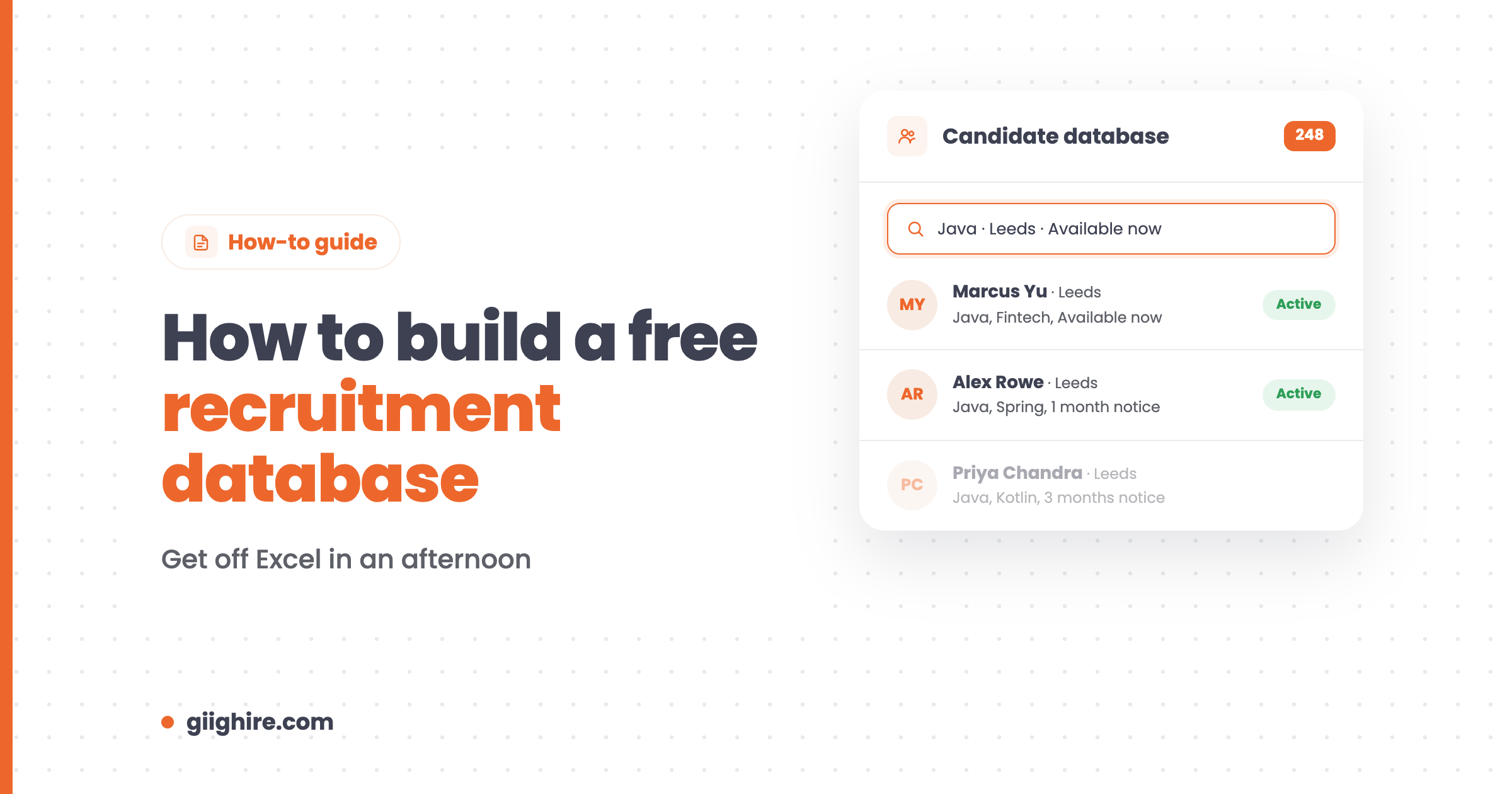
Excel is fine for a list, but it can’t be a recruitment database because you can’t search CVs, log conversations or see who’s at which stage. Trying to find “Java developers in Leeds, available now” in a spreadsheet is close to impossible.
Spreadsheets also go stale fast, get duplicated across laptops, and don’t play nicely with GDPR. If your “database” is three tabs and a folder of CVs called “Final_v3”, it’s time.
How to build a free recruitment database on Giig
Here’s how to set up a free recruitment database on Giig, from sign-up to a searchable database.
Sign up for free. Head to Giig’s free sign-up. All you need is an email address, there’s no credit card and no trial period.
Set up your company. Add your agency name, logo and the industries you recruit in during onboarding.
Plan your tags before you add anyone. Decide the tags you’ll search on: skills, location, notice period, availability, day rate, whatever matters on your desk. Giig’s custom tagging lets you build your own matrix instead of picking from rigid industry lists.
Add candidates. Use the Create button to add a candidate, or drop in a CV and let CV parsing pull out the name, contact details, work history and skills. The free plan includes 10 parse credits a month.
Bring in your existing data. If you’ve got candidates in Excel, import them by CSV and bulk-parse a folder of CVs. These are on Giig Starter (£14.99 per user/month +VAT, no contract).
Add your clients too. Create companies, attach your contacts to them and add the jobs you’re working. Your free recruitment CRM and free ATS are one account, so candidates and clients live in the same place.
Put candidates into pipelines. Drag candidates through the interview pipeline for each job, and track clients through your business development pipeline.
Search it. Use search and your tags to pull up a shortlist the next time a role lands.
What do you get in Giig’s free recruitment database?
Giig’s free database gives one user unlimited candidates, CVs, jobs and clients, forever. Here’s the full free plan:
Included free
Detail
Candidates, CVs, jobs, companies, contacts
Unlimited
Pipelines
Jobs, business development and interview, drag and drop
Workflows
Perm and temp
Custom tagging and search
Unlimited tags
Email integration
Yes
CV parsing
10 credits a month
Website and careers page
Free landing page, careers page for up to 3 jobs
Users
1
When you need more, Starter adds team members, CSV import, mass CV parsing and file storage, and Plus adds custom fields, candidate and contact lists, bulk email and reporting. Every paid plan is monthly, no contract, cancel anytime. See pricing.
How to keep your recruitment database clean
A database is only useful if the data’s right, so tag every record when you add it and update it every time you speak to someone.
Tag on the way in. A candidate without skills and location tags is a candidate you’ll never find again.
Log every conversation. A two-line note after each call is worth more than a perfect CV.
Update availability. Notice periods and “open to work” change, so check them on every call.
Remove what you shouldn’t keep. Delete or anonymise candidates you no longer have a reason to hold, in line with GDPR.
Use one system. The moment someone keeps “their” candidates in a side spreadsheet, your database starts to rot.
Frequently asked questions
How do I create a free recruitment database?
Sign up for a free recruitment CRM like Giig, add your company, plan your tags, then add or parse your candidates in. Giig’s Free Forever plan stores unlimited candidates, CVs, jobs and clients for one user, with no trial period and no credit card.
Is there a free UK recruitment database?
Yes. Giig is built in the UK and its Free Forever plan gives UK recruiters a free recruitment database with unlimited candidates and clients. It’s your own database of people you’ve added, not a paid CV search database of strangers.
What’s the difference between a recruitment database and a CV database?
A recruitment database is your own record of candidates, clients and jobs, built up from your work. A CV database, like a job board’s CV search, is a pool of other people’s candidates you pay to search. Most agencies use both, then save the good ones into their own database.
Can I import candidates from Excel?
Yes. On Giig Starter and above you can import candidates and contacts from a CSV or Excel export, and bulk-parse a folder of CVs. If you’re moving from another CRM, we can restore a full database backup as a paid service. Email support@giighire.com.
Who owns the data in a free recruitment database?
You should. On Giig your data is yours, even on the free plan, and you can export your client and contact lists whenever you like. Be wary of any free tool that makes it hard to get your data out.
How many candidates can I store for free?
On Giig, as many as you like. The Free Forever plan has no limit on candidates, CVs, jobs, companies or contacts. The limits are one user and 10 CV parse credits a month.
Final thoughts
Your database is the one asset in your agency that grows in value every single day you use it. Start it properly, tag everything, and it’ll keep paying you back for years.
This website uses cookies so that we can provide you with the best user experience possible. Cookie information is stored in your browser and performs functions such as recognising you when you return to our website and helping our team to understand which sections of the website you find most interesting and useful.
Strictly Necessary Cookies
Strictly Necessary Cookie should be enabled at all times so that we can save your preferences for cookie settings.
If you disable this cookie, we will not be able to save your preferences. This means that every time you visit this website you will need to enable or disable cookies again.