Write the advert. Log into Indeed. Paste it in. Log into CV Library. Paste it in again, except now you’re reformatting it because CV Library’s decided it needs slightly different information to Indeed. Then finally find the niche board your client swears by.
Log in. Paste. Repeat.
Log in. Paste. Repeat.
Twenty minutes gone. You haven’t spoken to a single candidate yet.
That’s not recruiting. That’s admin.
You don’t need to be constantly logging into job boards!
Here’s the thing about posting to multiple boards, everyone acts like it’s a five-minute job. It’s not. It’s five logins, five different formatting rules, and five different places your applications end up. By the time someone’s applied on three different boards, you’re the one playing detective trying to work out who’s actually applied where.
Which is why we’ve partnered with idibu.
Not because “integrations” sound good on a landing page, but because it’s the actual thing that gets rid of the tab-switching. Write your advert once. Then you can post to it 1,000+ boards. Every application lands back in your Giig pipeline, CV attached, no forwarding, no downloading, no faff.
What’s not to love?
Here’s how it actually works.
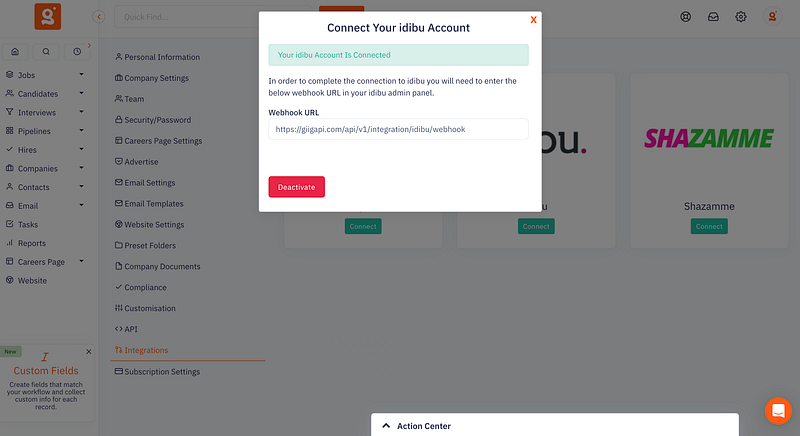
Step 1: Connect idibu
You’ll need an idibu account. If you don’t have one, get in touch. we’ll personally introduce you to the idibu crew and get you onto the small-agency pricing.
Once you’re in:
Go to Advertise Settings
Drop in your idibu ID and secret key
Hit Connect
That’s it. No dev team, no “onboarding specialist,” no calendar invite for a fifteen-minute setup.
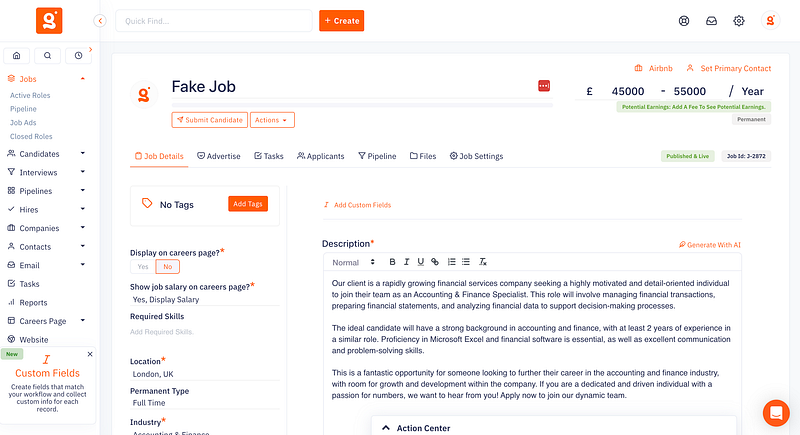
Step 2: Write the job like you always do
Nothing clever here. Write your advert in Giig exactly like you always have.
We’re not asking you to do anything differently for idibu’s sake. That’d defeat the point.
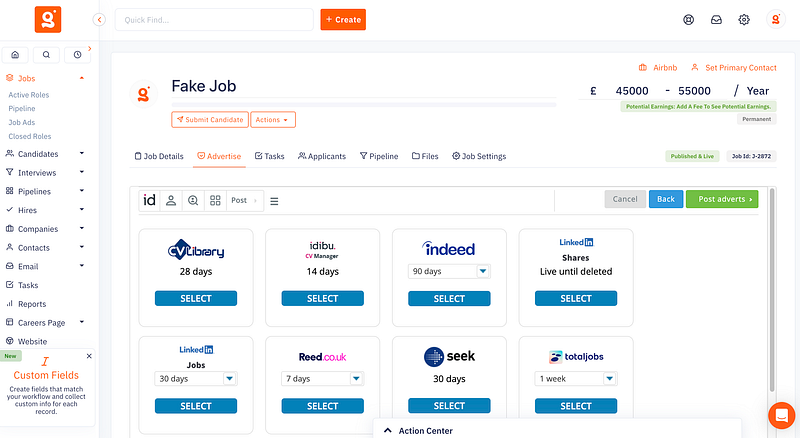
Step 3: Pick your boards, hit publish
At publish, you’ll see your connected boards. Tick the ones you want, the big names, the niche ones, whatever your sector actually uses. When you’re done, hit publish.
idibu takes it from there. One advert in, a stack of listings out.
Step 4: Let the applications find you
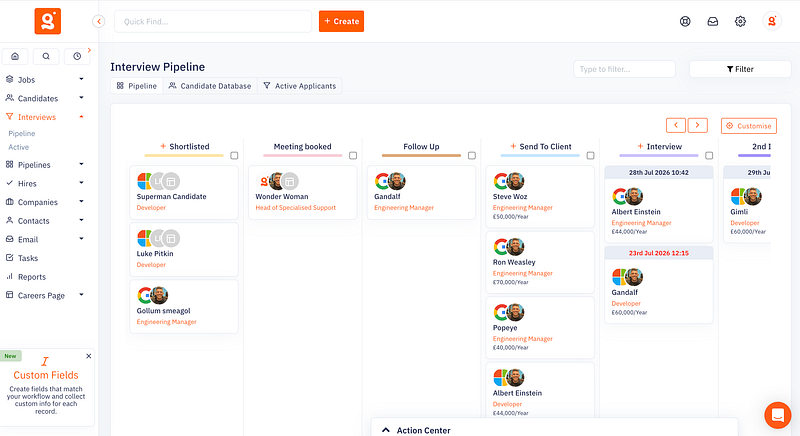
This is the actual win. Applications land straight in your Giig pipeline, with the CV attached, sorted against the right job, no digging through inboxes.
Flag them using the traffic light system:
Green: Shortlist them for the role & add them to your database
Amber: Don’t shortlist them for the role but add them to your database for future opportunities
Red: Delete them from your database, never to be seen again!
Move on with your day.
The stuff you’ll want to know before you get excited
You still need your own job board memberships. idibu distributes but it doesn’t buy you an Indeed contract. It does, however, give you access to 100s of free job boards.
This website uses cookies so that we can provide you with the best user experience possible. Cookie information is stored in your browser and performs functions such as recognising you when you return to our website and helping our team to understand which sections of the website you find most interesting and useful.
Strictly Necessary Cookies
Strictly Necessary Cookie should be enabled at all times so that we can save your preferences for cookie settings.
If you disable this cookie, we will not be able to save your preferences. This means that every time you visit this website you will need to enable or disable cookies again.