Quite a few now. Giig, Recruit CRM, Loxo, Zoho Recruit, Recruiterflow, 100Hires, Leonar and Spott all have their own official MCP connector, so Claude can read your candidates, jobs and pipeline, and most of them work with ChatGPT too (Giig is Claude only for now). The big differences are whether the AI can only read or can also write, which plan you need, and how fiddly the setup is.
An MCP server is the bit of a CRM that lets an AI assistant like Claude or ChatGPT log in to it, look things up and (if you allow it) make changes, without you copying and pasting data across. If you want the longer explanation, I wrote one here: what MCP is and why recruiters should care.
I’ve checked every tool below on the vendor’s own pages this week (9 November 2026). Things move fast in this corner, so if you’re reading this in six months, double check before you sign anything.
The quick comparison
Short answer: most connectors now read and write, Recruiterflow is read-only, and Bullhorn and Manatal don’t have an official one.
CRM / ATS
Official MCP?
Works with
Read or write
Plan and price (as listed)
Giig
Yes
Claude
Read and write, set per data type and per role
Giig AI, £59 per user per month plus VAT, monthly, no contract
Recruit CRM
Yes
Claude, ChatGPT, Perplexity, Gemini
Read and write (no deletes)
All paid plans: $95, $135 or $215 per user per month
Loxo
Yes (beta)
Claude, ChatGPT, Cursor and others
Read, write and delete
Core or Professional (Loxo’s own pages differ), from $149 per user per month billed annually
Zoho Recruit
Yes
Claude, ChatGPT, Gemini, Cursor
Read and write
Not shown on the MCP page, ask Zoho
Recruiterflow
Yes
Claude
Read-only
Any Recruiterflow account, plus a paid Claude plan
100Hires
Yes
Claude, ChatGPT, Cursor and more
Read and write
“Free on every plan” per its MCP page (check the pricing table); plans from $49 per month billed annually
Leonar
Yes
Claude, ChatGPT, Cursor
Read and write
Professional and the trial, from $149 per user per month, annual prepaid
Spott
Yes
Claude, ChatGPT
Read and write
Not stated
iSmartRecruit
Says so (demo only)
ChatGPT, Claude
Looks read-only (not stated)
Not stated, demo only
Bullhorn
No official connector
Third-party tools only
Depends on the tool
Bullhorn plans quoted separately
Manatal
No official connector found
Third-party tools only
Depends on the tool
n/a
Giig
Giig’s MCP connector is on the Giig AI plan and gives Claude read and write access to your candidates, jobs, contacts and companies, notes and tasks.
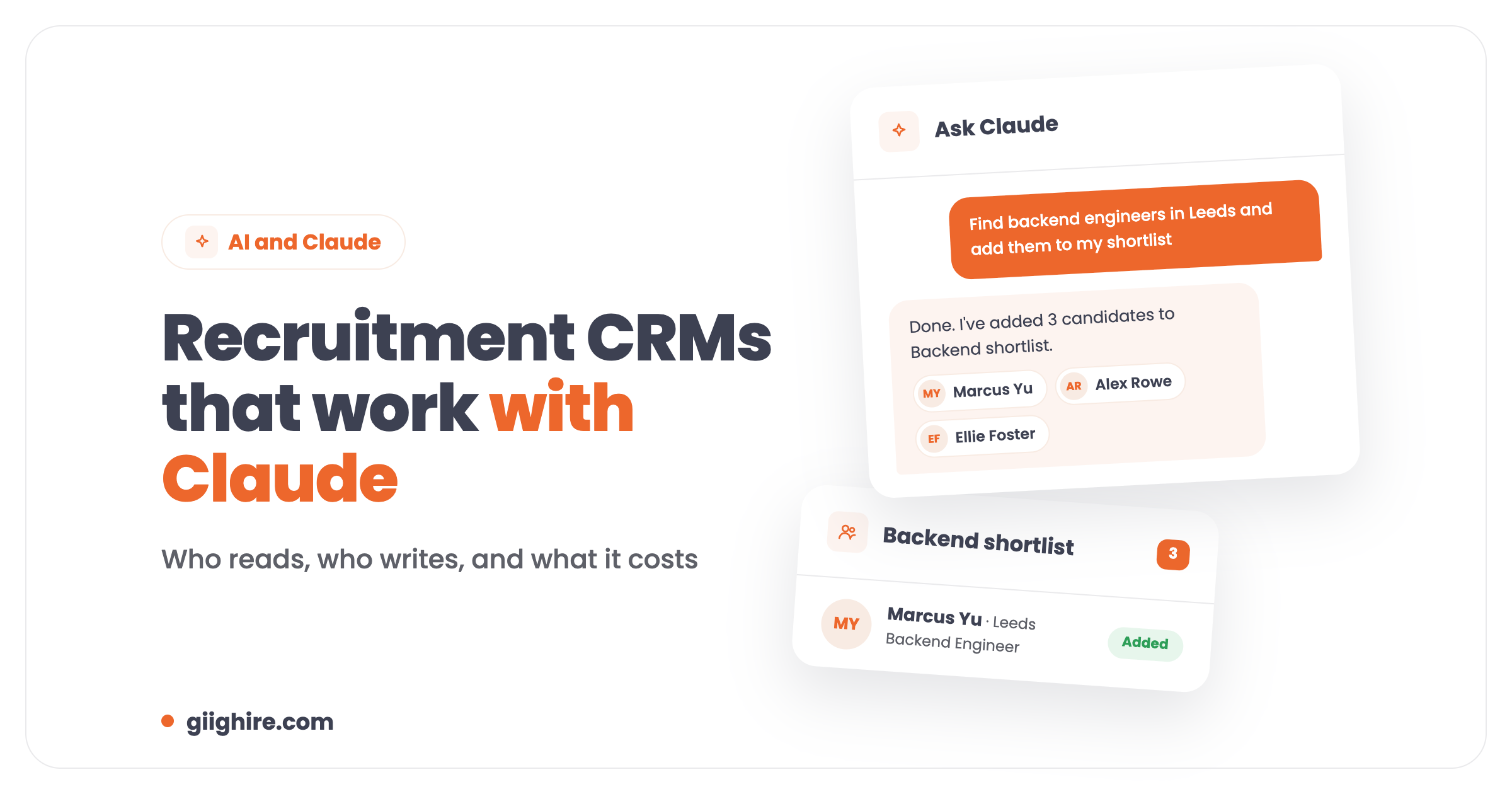
I’m obviously biased here, so I’ll keep it to what it actually does. Once you’ve connected it, you can ask Claude to find candidates who match a brief and add them to a shortlist, prep you for a client call, review your pipeline or log a note after a chat. You decide, per data type and separately for managers and users, whether Claude gets read and write, read only, or nothing.
There’s no approval step to wait for. Everyone on the Giig AI plan gets MCP access automatically, so you just connect Giig in Claude and go. Managers and admins can still remove MCP access for anyone on the team if they want to.
Good: read and write, access is automatic on the AI plan, permissions per role, monthly with no contract, cheapest per seat on this list.
Not so good: you need the Giig AI plan (£59 per user per month plus VAT), and it’s Claude only for now, so no ChatGPT.
Recruit CRM has an official MCP on all its paid plans, and it works with Claude, ChatGPT, Perplexity and Gemini.
It can create and update records, view pipelines by stage, add tasks and notes and change hotlists. It can’t delete anything, and write actions only run when you ask for them, which I think is a sensible default. You connect with a sign-in (OAuth), no API keys, and an admin has to switch on MCP access for each role.
Good: works with the most AI tools of anything here, no deletes, simple sign-in.
Not so good: priced in dollars, from $95 per user per month on the Pro plan.
Loxo
Loxo’s MCP is read, write and delete, with nearly 180 actions, but it’s still labelled beta.
You paste your agency’s Loxo MCP address into Claude or ChatGPT and sign in. It can search candidates, find open jobs, create notes and update records, and it can also permanently delete records, so be careful who you give it to. Loxo’s pricing page lists MCP on Core (from $149 per user per month, billed annually), but its own FAQ says Professional and above, so ask them before you buy.
Good: the widest set of actions on this list.
Not so good: beta, annual billing, and delete access is a bit brave for an AI assistant.
Zoho Recruit
Zoho Recruit has an official MCP that works with Claude, ChatGPT and Gemini, and it can update candidate stages, search records and pull hiring reports.
Access follows the roles and permissions you already have in Zoho, which is handy. The MCP page doesn’t say which plan you need, so check that with Zoho. If you’re already in the Zoho world (Books, Mail, CRM), it’s worth a look.
Recruiterflow
Recruiterflow’s Claude connector is official but read-only: Claude can look at your data but can’t create, edit or delete anything.
It covers candidates, contacts, jobs, pipeline, activities, files, placements and revenue. You add it in Claude as a custom connector and log in to Recruiterflow. You’ll need a paid Claude plan (Pro, Team or Enterprise) because connectors aren’t on Claude’s free plan. Read-only is fine for reporting and prep, but you’ll still be doing the updates yourself.
100Hires
100Hires has a hosted MCP server with around 130 tools, read and write, that works with Claude, ChatGPT, Cursor and a few coding tools.
It can do bulk jobs like rejecting a batch of applicants, moving stages, adding notes and scheduling messages. Its MCP page says it’s “free on every plan”, though the pricing table has a separate MCP row, so confirm which plan you need. It’s more of an in-house hiring ATS than an agency CRM, so client and BD features are thinner.
Leonar
Leonar’s MCP has more than 100 tools and lets Claude or ChatGPT move candidates, add notes, create tasks and prepare outreach sequences.
It’s included on the Professional plan (from $149 per user per month, annual prepaid) and the trial. Read-only users can’t connect, which is a nice safety touch.
Spott
Spott has an MCP server that works with Claude and ChatGPT through a custom connector, and Spott’s own article shows it drafting outreach and building candidate reports.
You paste the server address and sign in with your Spott login. Spott doesn’t say which plan it’s on, so ask.
iSmartRecruit
iSmartRecruit has an “MCP connector” page that names ChatGPT and Claude, but there’s no setup guide or plan detail, just a demo button.
Everything it describes is searching and matching, so it looks read-only. Treat it as “ask for a demo” rather than “switch it on today”.
Bullhorn and Manatal
Neither Bullhorn nor Manatal has an official MCP connector that I could find this week.
You can connect both through third-party tools that sit on top of their APIs (CData, StackOne and a few community projects for Bullhorn). That works, but it’s another supplier, another bill and another company holding your candidate data, so check who’s hosting it and what they store.
How to connect Claude or ChatGPT to your recruitment CRM
For most of these it’s the same few steps.
Check your plans. You need the right CRM plan and, for Claude, a paid plan, because custom connectors aren’t on Claude’s free plan. ChatGPT custom connectors need developer mode, and on Business or Enterprise an admin has to allow them.
Get the server address. Your CRM gives you an MCP server URL, sometimes with a client ID and secret.
Add a custom connector. In Claude, go to Settings, then Connectors, then Add custom connector, and paste the URL.
Sign in and approve. Log in to your CRM when it asks and click allow.
Set permissions. Decide who gets read only and who gets write. Start with read only if you’re nervous.
Test with something boring. “Show me my open jobs” before “update every candidate in this pipeline”.
Is it safe to give AI access to candidate data?
It can be, if you keep control of who has access and what the AI can change.
A few things I’d check: that the connector is the CRM’s own (not a third party you’ve never heard of), that permissions follow your existing user roles, whether the AI can delete records, and what your AI plan does with your data (business plans usually have stricter settings than personal ones). You’re still the data controller for your candidates, so if you wouldn’t email a CV to someone, don’t give a tool you don’t trust access to the whole database.
Which one should a small agency pick?
If you want Claude to do real work in your CRM, not just read it, pick one with write access and permissions you can lock down.
For a 1 to 20 person UK agency, I’d shortlist by three things: read and write access, a monthly price in pounds you can cancel, and how quickly you can be set up without a developer. That’s why we built Giig’s connector the way we did, but Recruit CRM and Zoho Recruit are solid too if you’re already on them. If you’re on Bullhorn and want this today, you’re looking at a third-party tool for now.
If you want to see how the cost stacks up across plans, here’s Giig’s pricing, and if you’re still picking a CRM at all, start with the free recruitment CRM.
FAQ
Which recruitment CRMs work with Claude?
Giig, Recruit CRM, Loxo, Zoho Recruit, Recruiterflow, 100Hires, Leonar and Spott all have official MCP connectors that work with Claude. Recruiterflow’s is read-only; the rest can read and write to some degree. Bullhorn and Manatal don’t have an official one, so you’d need a third-party tool. Check the plan each one needs, because it’s often only on the higher tiers.
Which ATS connects to ChatGPT?
Recruit CRM, Loxo, Zoho Recruit, 100Hires, Leonar and Spott all say their MCP works with ChatGPT. Giig’s connector is Claude only for now. In ChatGPT you add them as a custom connector, which needs developer mode turned on, and on Business or Enterprise plans an admin has to allow custom connectors first.
How do I connect Claude to my recruitment software?
Get the MCP server URL from your CRM’s settings, then in Claude go to Settings, Connectors and Add custom connector, paste the URL and sign in to your CRM. Some CRMs also give you a client ID and secret to paste in. You need a paid Claude plan, and in some CRMs an admin has to switch on MCP access first (on Giig it’s automatic for anyone on the AI plan).
Do I need a paid Claude plan to use MCP?
Yes, for custom connectors. Claude’s free plan doesn’t include connectors, so you’ll need Pro, Max, Team or Enterprise. On top of that, most CRMs only include MCP on certain plans, so you’re usually paying for both. It’s worth working out the total per person per month before you roll it out to the team.
Can Claude update records in my CRM, or just read them?
It depends on the CRM. Giig, Recruit CRM, Zoho Recruit, 100Hires, Leonar and Spott let Claude write, for example adding notes, moving stages or adding candidates to a shortlist. Loxo can also delete. Recruiterflow is read-only. The good ones let you set read or write access per user role.
Does Bullhorn have an MCP server?
Not an official one, as of November 2026. You can connect Bullhorn to Claude or ChatGPT through third-party services that use Bullhorn’s API, such as CData or StackOne, or community projects on GitHub. That means another supplier handling your candidate data, so check their security and what they store before you connect it.
Is it GDPR-safe to connect AI to my candidate database?
It can be, but you’re still responsible for the data. Use the CRM’s official connector, limit who can connect, keep write and delete access tight, and check how your AI plan handles data. Business AI plans usually have stricter data settings than personal ones. If in doubt, start with read-only access for a small group.
If you want to try it on your own data, start for free and upgrade to Giig AI when you’re ready to plug in Claude.
This website uses cookies so that we can provide you with the best user experience possible. Cookie information is stored in your browser and performs functions such as recognising you when you return to our website and helping our team to understand which sections of the website you find most interesting and useful.
Strictly Necessary Cookies
Strictly Necessary Cookie should be enabled at all times so that we can save your preferences for cookie settings.
If you disable this cookie, we will not be able to save your preferences. This means that every time you visit this website you will need to enable or disable cookies again.