AI for recruitment agencies means using tools like Claude to do the repetitive work: searching your database, summarising CVs, writing job adverts and outreach, and pulling numbers out of your CRM. It doesn’t replace recruiters. The agencies getting the most from it in 2026 use AI for the admin and spend the time they save on calls, meetings and placements.
For years, the clever recruitment tech felt out of reach for small agencies: enterprise software, long contracts, expensive setup. That’s changed. With AI connected straight to your CRM, a two-person agency can now do things that used to need a data team. This guide is for owners of agencies with 1 to 20 people who want to know what’s actually useful, and what’s hype.
What does AI actually do in recruitment?
AI in recruitment is software that can read, write and analyse text, so it can handle tasks like searching, summarising and drafting that used to eat a recruiter’s day.
Most of what people call “AI” now is large language models (LLMs) like Claude. They’ve learned patterns from huge amounts of text, so when you ask a question in plain English, they can usually give you a useful answer, draft or summary. On their own they don’t know anything about your candidates or clients. Connected to your CRM, they do.
8 ways recruitment agencies use AI
The most useful jobs for AI in a small agency are the ones you do every day and don’t need to be personal.
Task
What AI does
Where the human still matters
Database search
Finds matching candidates from a plain-English brief
Deciding who to call
CV screening
Summarises CVs and checks them against the must-haves
Judging fit and motivation
Candidate matching
Ranks people in your database against a job spec
The conversation
Job adverts
Drafts a clear, honest advert from your brief
Making it sound like the client
Outreach
Drafts personalised emails and messages
Checking it’s right before it goes
Candidate pitches
Writes why a candidate fits the role
Your opinion of the candidate
Market research
Researches companies, sectors and hiring activity
Picking who to approach
Reporting
Answers questions about your activity and pipeline
Deciding what to change
1. Search your database in plain English
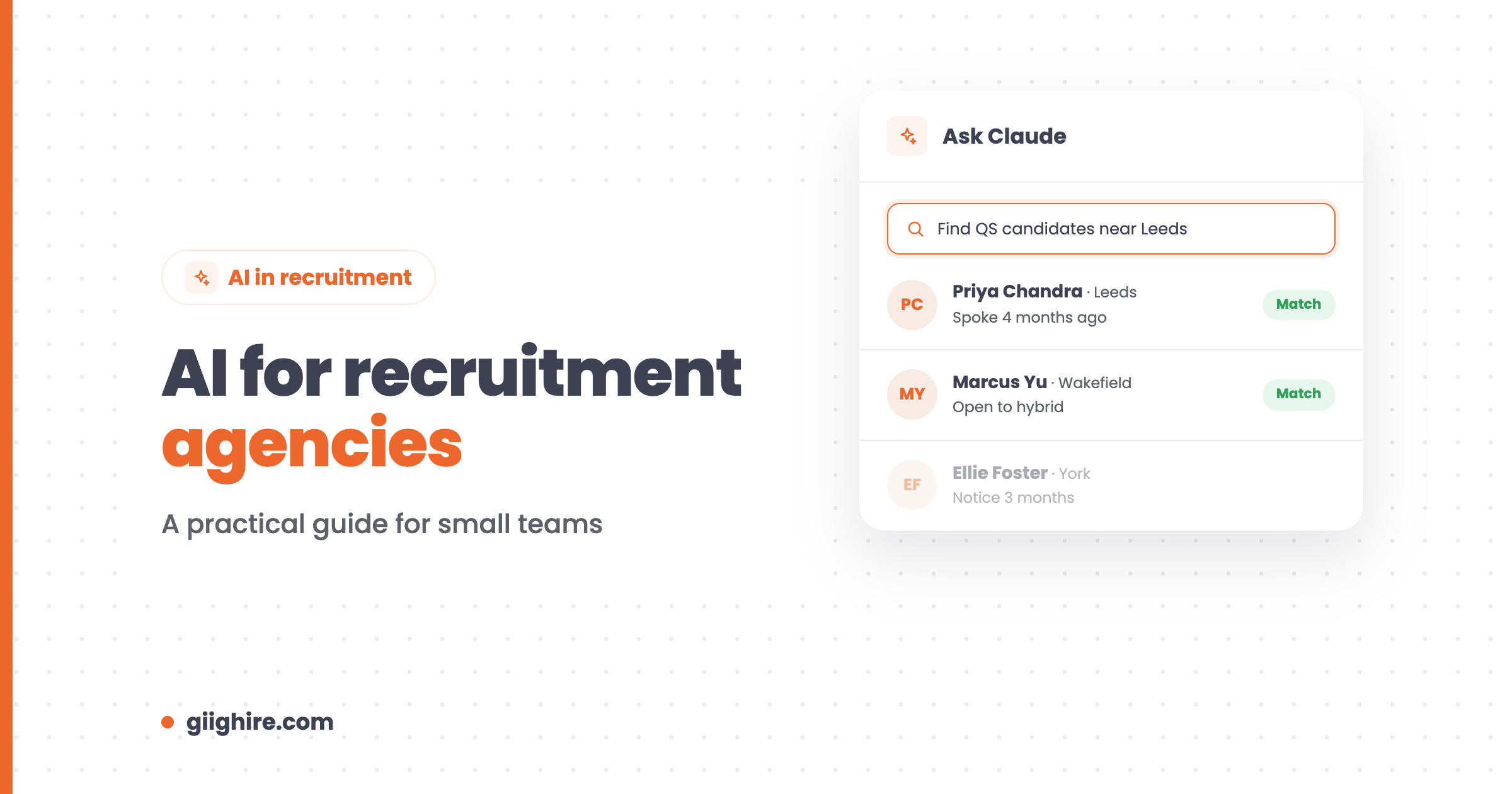
Ask for candidates the way you’d ask a colleague, instead of building Boolean strings.
For example: “Find me senior software engineers within 20 miles of London with SaaS experience.” Or: “Show me finance directors who’ve worked in manufacturing and want hybrid.” You get a shortlist from people you already hold, including the ones you’d forgotten about.
2. Bring old candidates and clients back to life
Ask AI to find the opportunities hiding in your CRM.
“Which candidates did I speak to last year who might be worth calling again?” or “Which clients haven’t heard from us in three months?” Instead of the CRM being where information goes to die, it starts telling you who to call.
3. Screen and summarise CVs
Use AI to summarise a CV and check it against the brief, then make the decision yourself.
It’s a huge time saver on high-volume roles. But keep a human in the loop. Under UK GDPR, people have rights around decisions made solely by automated means, so don’t let a tool reject candidates on its own.
4. Write job adverts, pitches and emails
Give AI the facts and let it write the first draft, then edit it so it sounds like you.
Job adverts, candidate pitches, BD emails, interview questions and feedback emails can all be drafted in seconds. The first draft is rarely the final one, but it’s a lot quicker than a blank page. For ready-made ideas, see these 50 Claude AI prompts for recruiters.
5. Prepare for client calls
Ask AI to pull together everything you know about a client before you pick up the phone: previous vacancies, candidates sent, contacts and notes. You walk into the call prepared in seconds instead of clicking through tabs.
6. Find new business
Ask AI to find companies in your niche that are hiring, check them against your CRM so you don’t pitch an existing client, then draft a personalised first message. It’s a decent shortcut for selling recruitment services, as long as you’re the one who makes the call.
7. Understand your numbers
Ask questions about your agency’s activity without building a report.
“Which consultants placed the most this quarter?” or “Where are candidates dropping out?” AI can read your activity and pipeline and give you a straight answer. It works nicely alongside recruitment reporting.
8. Cut data entry
Let AI add and update records from emails, notes and CVs, so your CRM stays tidy without anyone spending Friday afternoon updating it.
What is MCP, and why does it matter?
MCP (Model Context Protocol) is an open standard that lets AI tools like Claude connect securely to other software. It’s what lets Claude work with your recruitment CRM instead of sitting in a separate tab.
Without it, you copy and paste candidate details into an AI chat, which is slow and messy. With it, Claude can search your database, read your notes and pipelines, and help with tasks using your actual data. You can read more on the Model Context Protocol site.
Giig’s Claude MCP connects Claude to your Giig account. It’s on the Giig AI plan, which also includes an internal AI widget, AI candidate matching, a job description writer, email drafting, market research, performance analysis, note search and AI data input.
Can you build an AI recruitment agency?
Not really, and that’s a good thing. AI can do a lot of the admin, but recruitment still runs on trust, judgement and relationships.
An agency run entirely by AI would have to convince a passive candidate to leave a job they’re happy in, read a hiring manager’s mood on a call, and handle a counter-offer at 9pm. AI can’t do those. What it can do is give a small agency the output of a much bigger one, by taking the repetitive work off everyone’s plate.
How to start using AI in your agency
Start with one or two tasks you do every day, measure the time saved, then add more.
Connect AI to your CRM, so it works with your data rather than copy and paste.
Write down your best prompts and share them with the team.
Keep a human check on anything that goes to a candidate or client.
Tell candidates if you use AI in your process, and keep your privacy notice up to date.
What AI costs on Giig
You can start without paying anything and add AI when you’re ready, with monthly plans and no contract.
Plan
Price
AI included
Free Forever
£0, one user
Core CRM and ATS, no AI
Starter
£14.99 per user/month +VAT
AI summaries (50 credits)
Plus
£45 per user/month +VAT
AI summaries (5,000 per user/month)
Giig AI
£59 per user/month +VAT
Everything in Plus, plus Claude MCP and the full AI toolkit
No contract, cancel anytime.
Frequently asked questions
What is AI in recruitment?
AI in recruitment is technology that helps recruiters search databases, summarise CVs, write job adverts and emails, research markets and analyse activity. Most of it is now powered by large language models like Claude. It supports recruiters by removing repetitive work rather than replacing them.
How can recruitment agencies use AI?
The most common uses are searching your candidate database in plain English, summarising and screening CVs, drafting job adverts and outreach, preparing for client calls, finding new business, answering questions about your numbers and cutting data entry. Start with the tasks you repeat every day.
Will AI replace recruiters?
No. Recruitment depends on trust, judgement and persuasion, which AI can’t do. What it will do is change the job: recruiters who use AI for admin will have more time for candidates and clients than recruiters who don’t, and will usually outperform them.
What is MCP in recruitment software?
MCP, or Model Context Protocol, is an open standard that lets AI tools like Claude connect securely to software such as a recruitment CRM. It means Claude can search your database and work with your real data instead of you copying and pasting information into a chat.
Is AI only for large recruitment agencies?
Not any more. Small agencies arguably benefit most, because they don’t have admin staff or data teams. Giig’s Claude MCP is on the Giig AI plan at £59 per user/month +VAT, with no contract and no implementation project.
Is it legal to use AI to screen candidates in the UK?
Generally yes, but you’re still responsible for how candidates’ data is used. Under UK GDPR, people have rights around significant decisions made solely by automated means, so keep a human making the final call, be transparent in your privacy notice, and check your obligations with a legal adviser.
Final thoughts
AI isn’t going to replace good recruiters. Good recruiters using AI are going to outperform the ones who ignore it. Use it for the searching, summarising and drafting, keep the conversations human, and put the hours you save back into calls and placements.
Want to see what Claude can do with your CRM? Start on Giig for free, then add Giig AI when you’re ready. No credit card, no contract.
This website uses cookies so that we can provide you with the best user experience possible. Cookie information is stored in your browser and performs functions such as recognising you when you return to our website and helping our team to understand which sections of the website you find most interesting and useful.
Strictly Necessary Cookies
Strictly Necessary Cookie should be enabled at all times so that we can save your preferences for cookie settings.
If you disable this cookie, we will not be able to save your preferences. This means that every time you visit this website you will need to enable or disable cookies again.