A free ATS for recruiters is an applicant tracking system you can use to store candidates, track jobs and run your interview pipeline without paying a subscription. Giig’s is free forever for one user: no trial, no credit card, and no “free until you add your 50th candidate”. We built it because paying for software before you’ve made a single placement is a rubbish way to start a recruitment business.
Full disclosure: this is our own product, so I’m biased. I’ll tell you exactly what’s free, what isn’t and how we pay the bills, so you can judge for yourself. If you’re still comparing options, our round-up of the best free ATS for recruitment agencies covers the others too.
Why did we build a free ATS for recruiters?
Because the first year of a recruitment business is when money is tightest and good habits matter most.
Most recruitment software is built for established agencies. It’s priced per user, often on an annual contract, and set up for teams with someone whose job is “the system”. If you’ve just gone out on your own, that’s a bill landing before your first fee does.
So people make do. A spreadsheet. A folder of CVs called “CVs FINAL 2”. Notes in three different apps and a memory doing far too much heavy lifting. It works, right up until a client calls about a role and you can’t find the candidate you spoke to in March.
I started building Giig’s free ATS in early 2023 for exactly those recruiters. The idea was simple: give people a proper home for their candidates from day one, and let them pay us later if, and only if, they grow into the paid features.
What is an ATS, and does a small agency need one?
An ATS (applicant tracking system) is where you store candidates and track them through your jobs, from first call to placement.
In agency recruitment it usually sits alongside a CRM for your clients and business development. Giig does both in one place, which is why you’ll see us call it a free recruitment CRM as well as a free applicant tracking system.
You need one as soon as you’re juggling more candidates than you can remember. For most recruiters that’s about week two. A decent ATS lets you:
- Find people again. Search your own database by name, skill or location before you pay for another job board.
- Know where everyone is. See which candidates are at which stage, for which job, at a glance.
- Keep the history. Notes, CVs and emails sit against the candidate, not in your inbox.
- Look professional. No more “sorry, which role was that again?” on a call.
What do you get on Giig’s free plan?
The free plan covers the core of an agency desk for one recruiter, with no cap on candidates, CVs, jobs or clients.
Here’s what’s in Free Forever today:
- Unlimited candidates, CVs, jobs and clients
- Email integration
- Custom tagging, so you can skill and sort candidates your way
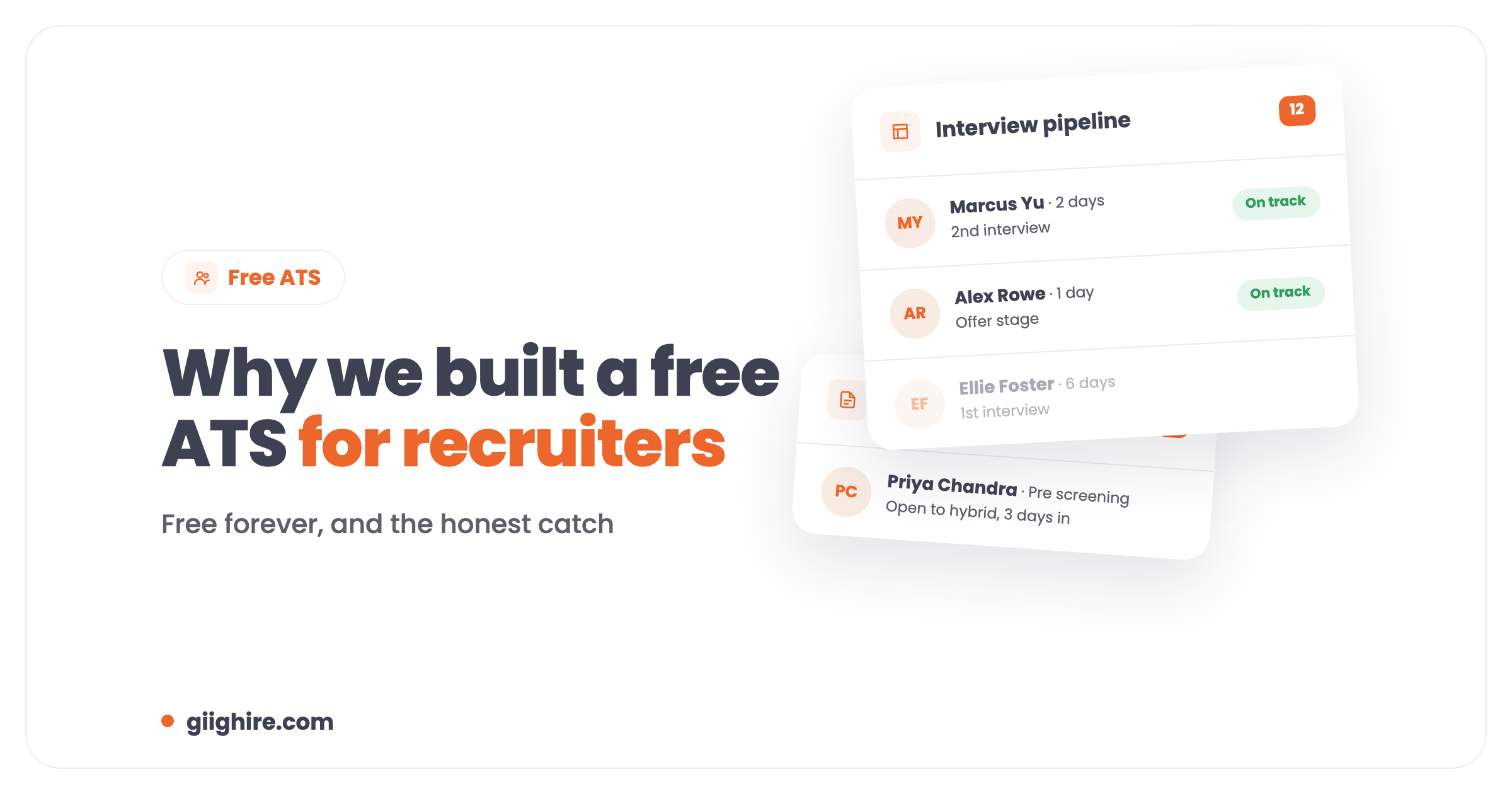
- A jobs pipeline, a business development pipeline and an interview pipeline
- Perm and temp workflows
- A free website landing page
- A careers page for up to 3 jobs
That’s enough to run a solo desk properly: add a candidate, attach their CV, tag them, submit them to a job and drag them through the interview stages.
What’s changed since we launched it in 2023?
Quite a lot. The 2023 version was a candidate card and a couple of pipelines. Today it’s a full recruitment CRM and ATS, with paid plans and AI on top for agencies that want them.
The first big update, in February 2023, was the new candidate card. It’s still the heart of Giig:
- Notes, sorted by type. General, pre-screening and interview notes, so you can find the one that matters.
- CVs stored against the candidate. Not in a random folder on your laptop.
- Every job in one place. Each role you submit someone to shows up on their record, with the stage they’re at.
- The candidate journey. What stage they’re at and how long they’ve been sat there.
That last one is still my favourite. It’s the nudge to chase the client who’s been sitting on interview feedback for a week, which is half of what good candidate care is.
Back then, CV parsing was on the “coming soon” list. It’s now a proper CV parsing tool on the paid plans, with mass CV parsing from Starter. And the paid plans have grown things 2023 me wouldn’t have believed, like connecting Claude straight to your CRM with Giig’s MCP on Giig AI.
How is Giig free forever? What’s the catch?
Agencies paying for Starter, Plus and AI fund the free plan. It’s the same freemium model plenty of software uses, and there’s no time limit on it.
There are catches, though, and I’d rather you heard them from me:
- It’s one user. Free Forever is built for a solo recruiter. The moment you add a teammate, you need Starter.
- Some features are paid. CSV import, CV parsing, file storage, the LinkedIn Chrome extension, reporting, CV formatting, bulk email, custom fields and Claude MCP are all on paid plans.
- We’d like you to upgrade one day. If Giig helps you grow, we hope you’ll stick around and pay for the bits you need. If you never do, that’s fine too. Nothing gets switched off.
Free Forever £0 (1 user). Starter £14.99, Plus £45 and AI £59 per user per month +VAT. No contract, cancel anytime. Full details are on the pricing page.
Where it’s not the best fit: if you’re a bigger agency with back-office payroll and compliance teams, a heavier system like Bullhorn will suit you better. Here’s our honest Giig vs Bullhorn comparison.
When should you upgrade from the free ATS?
Upgrade when the free plan starts costing you time, not before. These are the usual triggers:
- You hire someone. Starter adds team members, so you’re all working from one database.
- You’re moving an old database across. CSV import is on Starter, so you don’t have to add hundreds of candidates by hand.
- You’re spending evenings typing CVs in. CV parsing pulls the details out for you.
- You want to know what’s working. Advanced reporting, CV formatting and bulk email are on Plus.
- You want Claude doing the admin. Giig AI connects Claude to your CRM, so you can ask it to find candidates and shortlist them.
How do you get started with a free ATS?
You can be up and running in an afternoon. Here’s the order I’d do it in:
- Sign up. Create your free account. No credit card.
- Add your first candidates. Click “add candidate”, attach the CV and fill in the basics.
- Tag them properly. Skills, sector and location, so search actually works later.
- Set up your pipelines. Add your live jobs and your business development targets.
- Put your jobs live. Use the careers page for your first 3 roles.
If you’re starting from scratch, our guide to building a free recruitment database walks through how to fill it with good people fast.
Frequently asked questions
Is Giig’s ATS really free?
Yes. Free Forever costs £0 for one user, with no trial period and no credit card. You get unlimited candidates, CVs, jobs and clients, email integration, custom tagging, jobs, business development and interview pipelines, perm and temp workflows, a website landing page and a careers page for 3 jobs. It doesn’t expire.
What’s the catch with a free ATS?
The catch is that it’s for one user and some features are paid. Free Forever covers a solo recruiter’s day-to-day. Team members, CSV import, CV parsing, file storage, reporting, CV formatting, bulk email, the Chrome extension and Claude MCP are on Starter, Plus or AI. Nothing on the free plan gets switched off if you don’t upgrade.
How does Giig make money if the ATS is free?
Agencies on paid plans fund it. Starter is £14.99, Plus £45 and AI £59 per user per month +VAT, with no contract and the option to cancel anytime. Enough agencies use those plans that we can keep the free version free for solo recruiters and start-ups.
Can my team use the free plan?
No. Free Forever is one user only. To add team members you need Starter, at £14.99 per user per month +VAT, which also adds CSV import, mass CV parsing, file storage and a custom domain for your website. You can move up whenever you’re ready.
Can I import my existing candidates?
Yes, on a paid plan. CSV import is included from Starter. If you’re coming from another system with a full database, we can also restore it from an SQL or .bak file as a paid service: email support@giighire.com. Exporting your data out of Giig is free.
Is the free ATS suitable for UK recruitment agencies?
Yes. Giig is built in the UK for small agencies, prices are in pounds, and it handles both perm and temp workflows. It works just as well for agencies elsewhere, with pricing in USD and EUR on the pricing page too.
Final thoughts
A free ATS won’t make placements for you. What it will do is stop good candidates slipping through the cracks while you’re busy, and that’s worth a lot in your first year.
We built ours so nobody has to choose between staying organised and paying the bills. Try it, and if it’s not for you, you’ve lost nothing but an afternoon. Start on Giig for free. No credit card needed.