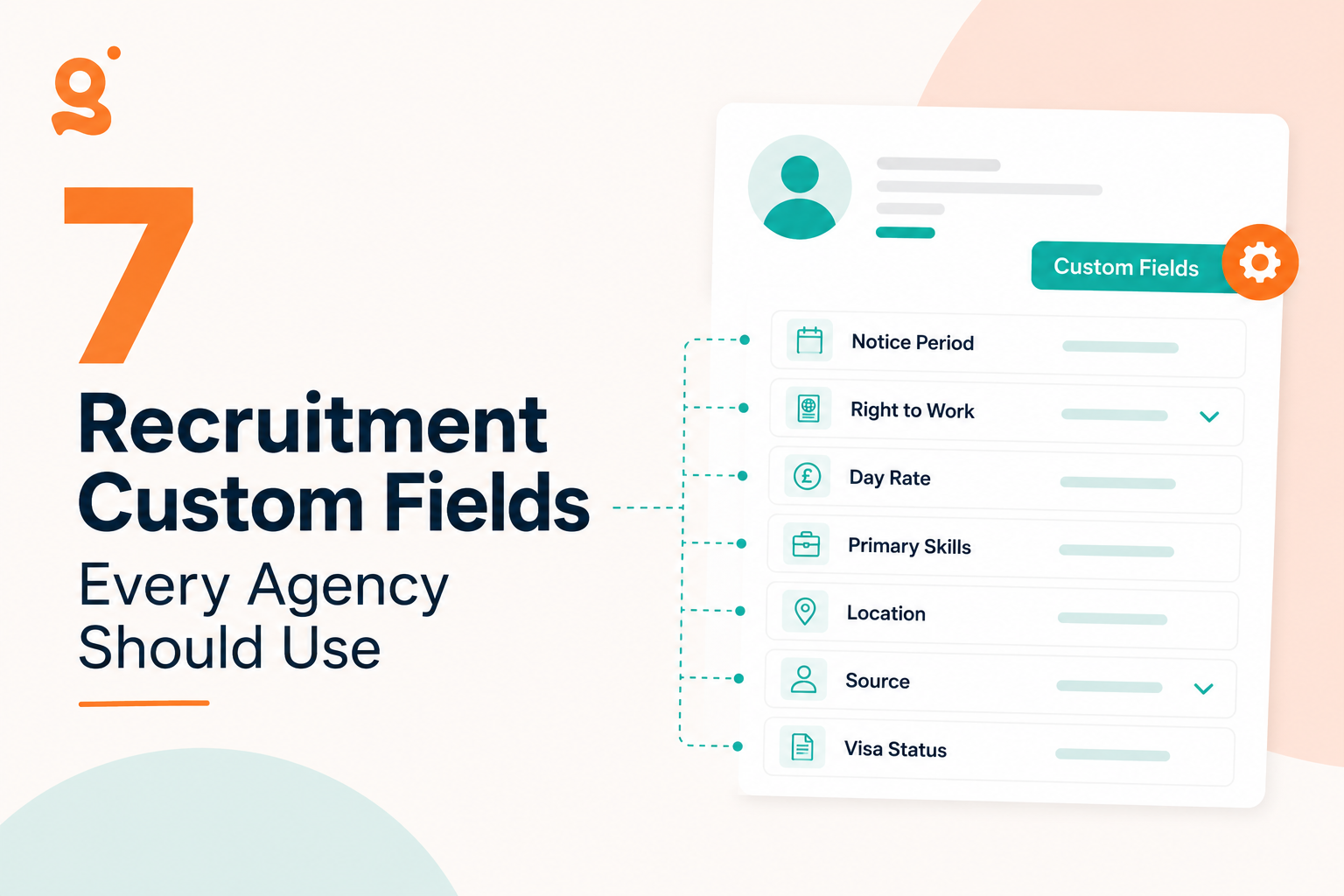
Every recruitment agency has information that recruiters ask for dozens of times every week, so within this article we look at the 7 recruitment custom fields every agency should use.
If you’re in recruitment, which I assume you are as you are reading this, you will be used to hearing these questions daily:
“What’s their notice period?”
“Can they work in London?”
“Do they require sponsorship?”
“What’s their current day rate?”
Yet surprisingly, much of this information ends up buried inside candidate notes.
The result?
Recruiters waste time opening profiles, reading paragraphs of text and manually checking information that should be searchable in seconds.
Rather than forcing your recruiters to remember where information is stored, Custom Fields create structured, searchable data that helps your entire team work faster.
Here are seven Custom Fields every recruitment agency should consider adding to their CRM.
Why Notes Don’t Scale
Notes are brilliant for conversations.
They’re terrible for structured information.
Imagine you have 25,000 candidates.
One recruiter’s note says:
“Available in four weeks.”
Another writes:
“One month’s notice.”
Someone else writes:
“Available from September.”
All three mean roughly the same thing-but your CRM can’t search those consistently.
Now imagine every candidate has a dedicated Notice Period field.
One filter instantly shows every candidate available within four weeks.
That’s the difference between information that exists and information you can actually use.
1. Notice Period
For permanent recruitment, this is arguably the most valuable Custom Field you can create.
A dropdown could include:
Immediate
1 Week
2 Weeks
1 Month
2 Months
3 Months
Now recruiters can instantly search:
Immediate starters
Candidates available within one month
Long notice candidates for future pipelines
Instead of reading CVs and notes, recruiters simply filter the database.
Example search
Notice Period = Immediate
2. Visa Status
Whether you’re recruiting locally or internationally, Right to Work is becoming increasingly important.
A structured Visa Status field keeps every recruiter working from consistent information.
Suggested options:
UK Citizen
Indefinite Leave to Remain
Skilled Worker Visa
Graduate Visa
Sponsorship Required
Now your team can immediately identify suitable candidates before contacting them.
Example search
Visa Status = Skilled Worker Visa
This becomes particularly useful for agencies working within healthcare, technology and engineering.
3. Salary or Day Rate Expectations
Recruiters ask this question constantly.
Yet many databases store it inside notes where it quickly becomes outdated.
Instead, create searchable fields for:
Permanent recruiters
Current Salary
Target Salary
Contract recruiters
Current Day Rate
Minimum Acceptable Rate
Now searches become incredibly powerful.
4. Preferred Working Pattern
Hybrid working has fundamentally changed recruitment.
Candidates increasingly care about:
Fully Remote
Hybrid
Office Based
Flexible
If this information lives inside notes, recruiters have to ask repeatedly.
Instead, create a searchable field.
Now recruiters can instantly build shortlists of candidates looking for hybrid opportunities or remote-first roles.
Example search
Working Preference = Hybrid
5. Geographic Coverage
Recruiters often need to know:
Which counties someone will travel to
Maximum commuting distance
Preferred locations
Regions covered
Instead of writing:
“Happy to travel around the Midlands.”
Store it as searchable information.
Examples:
London
Midlands
South West
North West
Scotland
Or use multiple location fields depending on your market.
This becomes invaluable for regional recruiters.
Example search
Region = Midlands
6. Source of Hire
One of the easiest wins for reporting.
Where did the candidate originally come from?
Examples include:
LinkedIn
Indeed
Referral
Company Website
CV Library
Reed
Totaljobs
Knowing your best-performing acquisition channels helps you spend recruitment marketing budgets more effectively.
It also allows managers to answer questions like:
Which source generates the highest-quality candidates?
Which channels produce the most placements?
Where should we invest next quarter?
7. Compliance Status
For many sectors, compliance isn’t optional.
Healthcare
DBS
NMC
Right to Work
Construction
CSCS
CPCS
Driving Licence
Technology
Security Clearance
BPSS
SC
DV
Rather than hiding these inside notes, create dedicated fields.
Now recruiters can search:
Security Clearance = SC
or
DBS = Enhanced
before they even pick up the phone.
Bonus: Department-Specific Custom Fields
Every recruitment desk tracks different information.
Technology recruiters may add:
Primary Programming Language
Security Clearance
Cloud Platform
Healthcare recruiters may track:
NMC PIN
DBS Expiry
Mandatory Training
Construction recruiters might record:
CSCS Card Type
CPCS Categories
Driving Licence
Executive Search could include:
Equity Expectations
Board Experience
International Mobility
The beauty of Custom Fields is that your CRM adapts to your workflow—not the other way around.
What Shouldn’t Be a Custom Field?
Not everything belongs in a structured field.
Skills such as:
Python
Java
AWS
React
FinTech
SaaS
are usually better stored as Custom Tags, because candidates often have multiple skills and recruiters search combinations of keywords.
A good rule of thumb:
If someone can only have one answer, it’s usually a Custom Field.
If they can have lots of answers, it’s probably a Tag.
“Lives in Birmingham, available in two weeks, prefers hybrid working, currently on £65k, requires sponsorship.”
Now imagine trying to find every candidate matching that profile.
You can’t.
Now imagine the same information stored like this:
Field
Value
Location
Birmingham
Notice Period
2 Weeks
Working Pattern
Hybrid
Salary
£65,000
Visa Status
Skilled Worker Visa
One search finds every matching candidate instantly.
Multiply that saving across hundreds of searches every month and the time adds up quickly.
Why Searchable Data Beats Free Text Every Time
The best recruitment agencies don’t necessarily collect more information.
They organise it better.
Searchable data means:
Faster shortlists
Better recruiter consistency
Cleaner reporting
Improved compliance
Less duplicate work
Better candidate experience
Instead of relying on memory, every recruiter works from the same structured database.
Final Thoughts on Recruitment Custom Fields
Custom Fields might seem like a small feature, but they fundamentally change how recruiters use their CRM.
Rather than hiding important information inside notes, they turn your database into something recruiters can genuinely search, filter and rely on.
If you’re evaluating recruitment software, ask yourself one simple question:
Can my recruiters instantly find the information they need—or do they have to go hunting for it?
The answer often determines whether your CRM becomes an asset or just another place to store data.
With a flexible recruitment CRM like Giig Hire, you can create searchable Custom Fields across Candidates, Contacts, Companies and Jobs, giving every recruitment desk the freedom to work the way it wants.
Frequently Asked Questions
What are Custom Fields in a recruitment CRM?
Custom Fields allow recruitment agencies to add their own searchable information to candidate, contact, company and job records. Examples include notice period, visa status, salary expectations and compliance information.
Are Custom Fields searchable?
Yes. A good recruitment CRM allows Custom Fields to be filtered and searched, helping recruiters quickly identify candidates that meet specific criteria.
What’s the difference between Custom Fields and Notes?
Notes are free text designed for conversations and updates. Custom Fields store structured information that can be searched, filtered and reported on consistently.
Should I use Custom Fields or Tags?
Most agencies benefit from using both. Custom Fields are best for structured information like notice period or visa status, while Tags are ideal for skills, technologies and industries.
This website uses cookies so that we can provide you with the best user experience possible. Cookie information is stored in your browser and performs functions such as recognising you when you return to our website and helping our team to understand which sections of the website you find most interesting and useful.
Strictly Necessary Cookies
Strictly Necessary Cookie should be enabled at all times so that we can save your preferences for cookie settings.
If you disable this cookie, we will not be able to save your preferences. This means that every time you visit this website you will need to enable or disable cookies again.