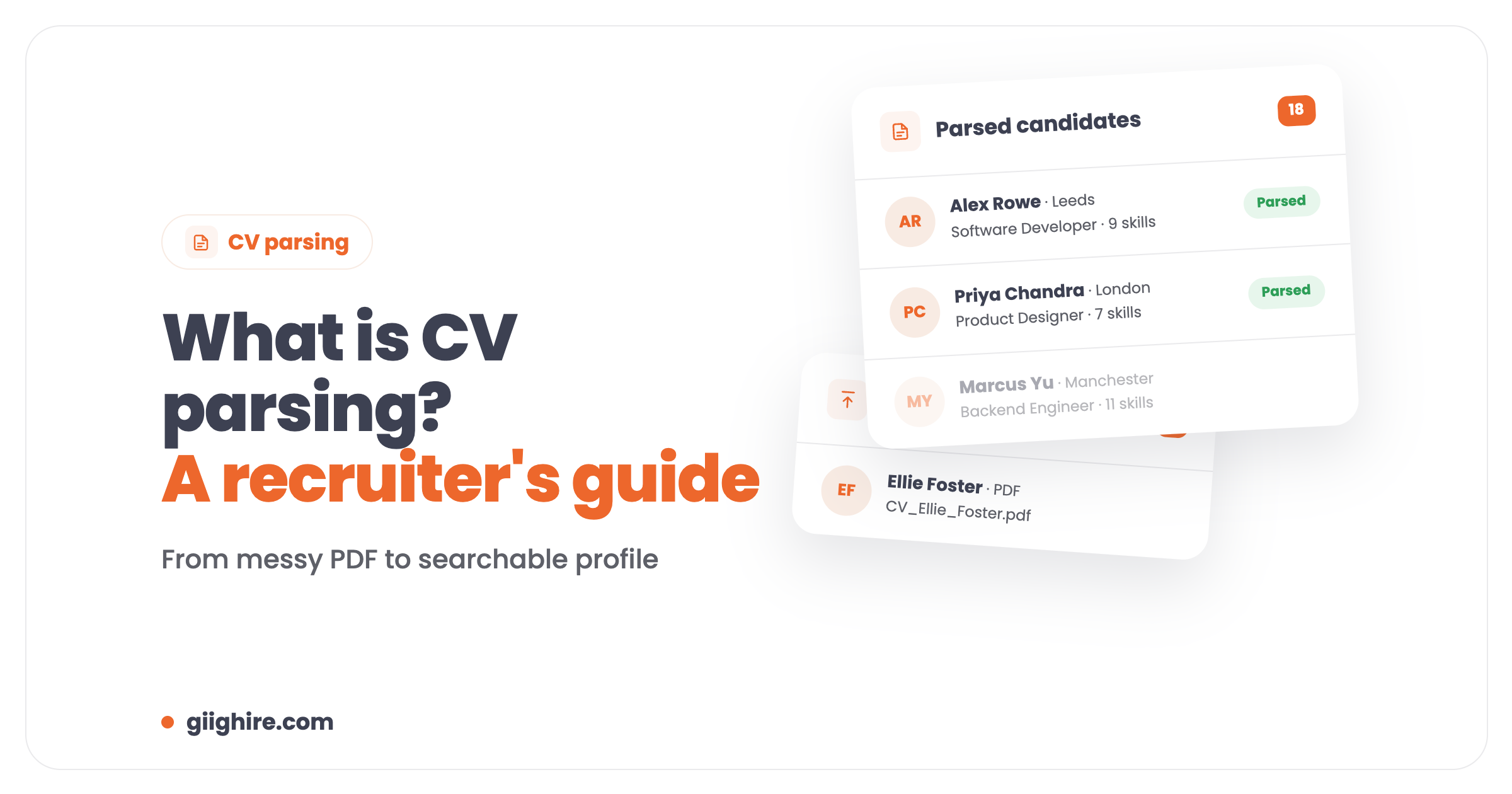
CV parsing is software that reads a candidate’s CV and automatically pulls out their name, contact details, work history, education and skills into your recruitment CRM or ATS. Instead of copying and pasting a CV into a database, you drop the file in and get a searchable candidate profile in seconds.
It’s also called resume parsing (same thing, American spelling of the problem). If you’re still typing CVs into your CRM by hand, this is the single quickest bit of admin you can get rid of.
How does CV parsing work?
A CV parser scans the document, works out which bit is which, pulls out the details and saves them as structured fields on a candidate record. Most tools do it in four steps:
Extraction. The parser reads the CV and identifies sections like contact details, experience, education and skills, using techniques such as natural language processing and pattern matching.
Analysis. It picks out specific details within each section: job titles, company names, dates, qualifications and skills.
Normalisation. It tidies the data into a standard format, so dates, titles and locations are consistent across candidates.
Saving to your database. The structured data is saved to the candidate’s profile, ready to search, filter and match.
In Giig you drag a CV in, check the parsed results, then hit Save to add the candidate to your CRM. You’re always in control of what goes in.
What are the benefits of CV parsing?
The big benefits of CV parsing are time saved, cleaner data and a database you can actually search. Here’s what that means on a normal day:
It saves hours. Parsing turns minutes of copy-and-paste per CV into seconds. Do 30 CVs a day by hand and “recruiter life” quickly becomes “data entry life”.
Your data’s more accurate. Manual entry means typos, missed skills and duplicates. Parsing captures details consistently.
Everything’s searchable. Parsed skills, job titles and locations mean you can find the right candidate in seconds when a role lands.
It scales. Bulk parsing lets you load a whole folder of CVs at once, which is a lifesaver for solo recruiters and small teams without admin support.
Candidates hear back faster. Less admin means you get to the phone before your competitors.
Why manual CV entry is a nightmare
Manual CV entry is slow, error-prone and the reason good candidates sit unprocessed in your inbox. You know the routine: download, open, copy the name, copy the email, copy the job history, fix the formatting, check you didn’t miss anything. Repeat.
In a market where top candidates can be off the market within days, every hour of admin is an hour someone else is on the phone to them.
CV parsing in Giig
Giig’s CV parsing tool turns a CV into a full candidate profile with contact details, work history, education and skills, all searchable straight away. It’s built into the CRM, so there’s no separate tool to pay for or connect.
Formats: PDF, Microsoft Word and Open Office documents, including those awkward PDFs that paste as a jumbled mess.
One at a time or in bulk: upload a single CV, or bulk import a batch to build out your database (mass CV parsing is on Starter and above).
You check before you save: review the parsed results, then save the candidate.
Parsing credits are per user, per month, and reset monthly:
Plan
Price (per user/month +VAT)
CV parse credits
Free Forever
£0 (1 user)
10 a month
Starter
£14.99
50 a month, plus mass CV parsing
Plus
£45
5,000 a month, plus mass CV parsing
AI
£59
Everything in Plus
All paid plans are monthly, no contract, cancel anytime. See pricing for the full list.
From parsed CV to client-ready CV
Once a CV is parsed, you can turn it into a branded, client-ready document with Giig’s CV formatting tool, available on Giig Plus. That means your logo, header and footer, consistent layout, and no more fiddling with fonts in Word before you send a candidate to a client.
Parsing gets the candidate into your database. Formatting gets them in front of your client looking professional. Together they cut out most of the admin between “CV arrives” and “CV sent”.
Tips for getting the most out of CV parsing
Parse in batches. Don’t drip CVs in one by one when you can bulk upload a folder.
Tag as you go. Add your own tags for notice period, availability or day rate, so searches pull up the right people. More on custom tagging.
Use custom fields for the important stuff. Track things like visa status or notice period as proper custom fields rather than burying them in notes.
Grab profiles from LinkedIn too. The LinkedIn Chrome extension pulls candidates into Giig in one click, so not everyone has to arrive as a CV.
Frequently asked questions
What is CV parsing in recruitment?
CV parsing is the automatic extraction of a candidate’s details from their CV into a recruitment CRM or ATS. The parser picks out contact details, work history, education and skills, and saves them as searchable fields, so recruiters don’t have to type them in by hand.
Is CV parsing the same as resume parsing?
Yes. “CV parsing” is the UK term and “resume parsing” is the US term for the same thing: software that reads a CV or resume and turns it into structured candidate data.
How accurate is CV parsing?
Good parsers are very accurate on standard details like names, contact info, job titles and dates. Complex layouts can still trip some tools up, which is why Giig lets you review the parsed results before you save the candidate.
Which file formats can be parsed?
Most CV parsers handle PDF and Word. Giig’s parser handles PDF, Microsoft Word and Open Office documents.
Is there a free CV parsing tool?
Yes. Giig’s Free Forever plan includes 10 CV parse credits a month for one user, with no trial period and no credit card. Giig Starter (£14.99 per user/month +VAT) increases that to 50 a month and adds mass CV parsing.
Can I parse lots of CVs at once?
Yes. On Giig Starter and above you can bulk import a batch of CVs and let the parser build out your database, rather than adding candidates one by one. Giig Plus includes 5,000 parse credits per user a month.
Why does every recruiter need a CV parsing tool?
Because manual CV entry eats hours every week and introduces errors. A parser gives you clean, searchable data in seconds, so you spend your time talking to candidates and clients instead of copying and pasting.
Final thoughts
CV parsing is one of those tools you don’t think about once you’ve got it, and can’t believe you lived without. Less admin, cleaner data, faster shortlists.
This website uses cookies so that we can provide you with the best user experience possible. Cookie information is stored in your browser and performs functions such as recognising you when you return to our website and helping our team to understand which sections of the website you find most interesting and useful.
Strictly Necessary Cookies
Strictly Necessary Cookie should be enabled at all times so that we can save your preferences for cookie settings.
If you disable this cookie, we will not be able to save your preferences. This means that every time you visit this website you will need to enable or disable cookies again.